Schedule overview
Planning appointments, calendar views, and sync.
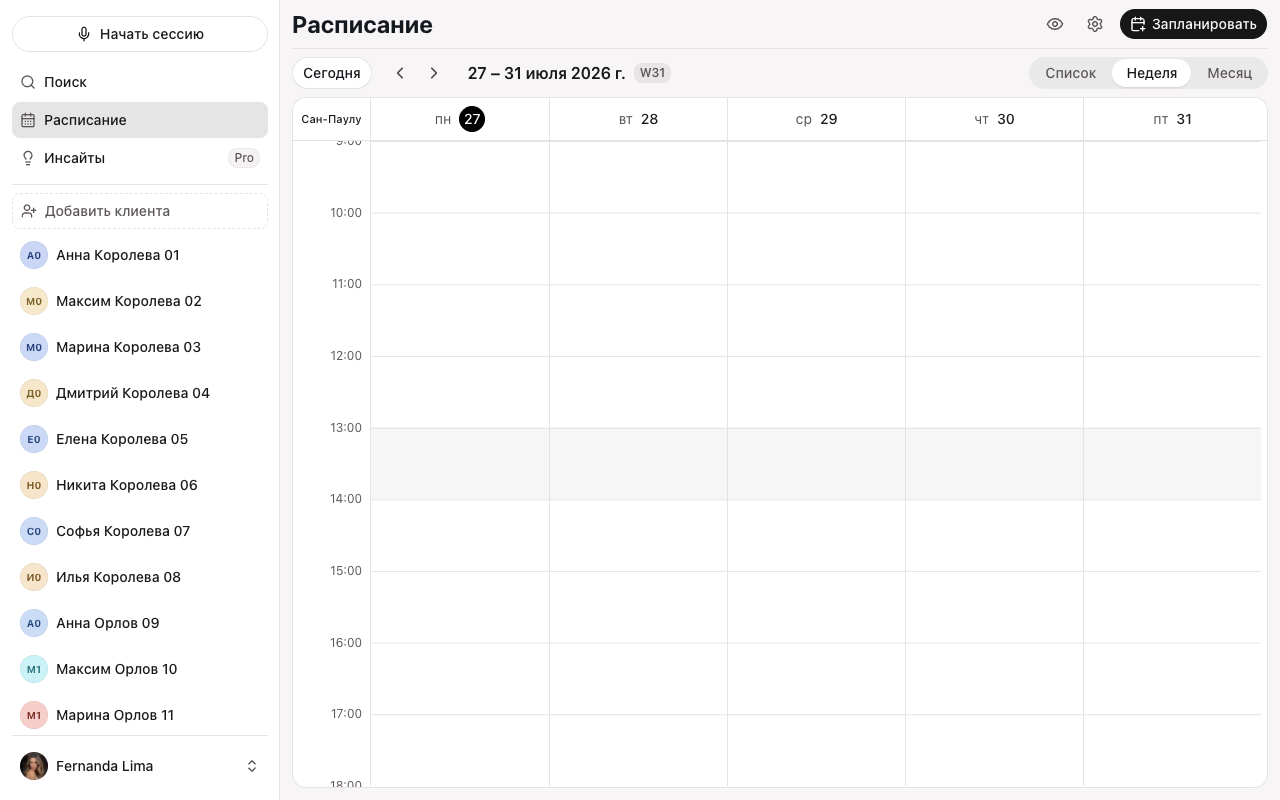
Schedule helps you plan appointments and see your day, week, or month. It’s a separate section of the app, not the same as a client’s list of sessions.
Where to find it
Click Schedule in the sidebar (or ⌘S). Switch between the List, Week, and Month views in the top-right corner; the Today button and the arrows move through the period.
What you can do
- Schedule and change an appointment, set up a repeat, and cancel.
- Sync your schedule with your calendar — Apple or Google.
- Set up online booking so clients can pick a time themselves.
- Hide client names with Hide client names — handy when sharing your screen.