How session processing works
Understand the statuses shown after recording or upload.
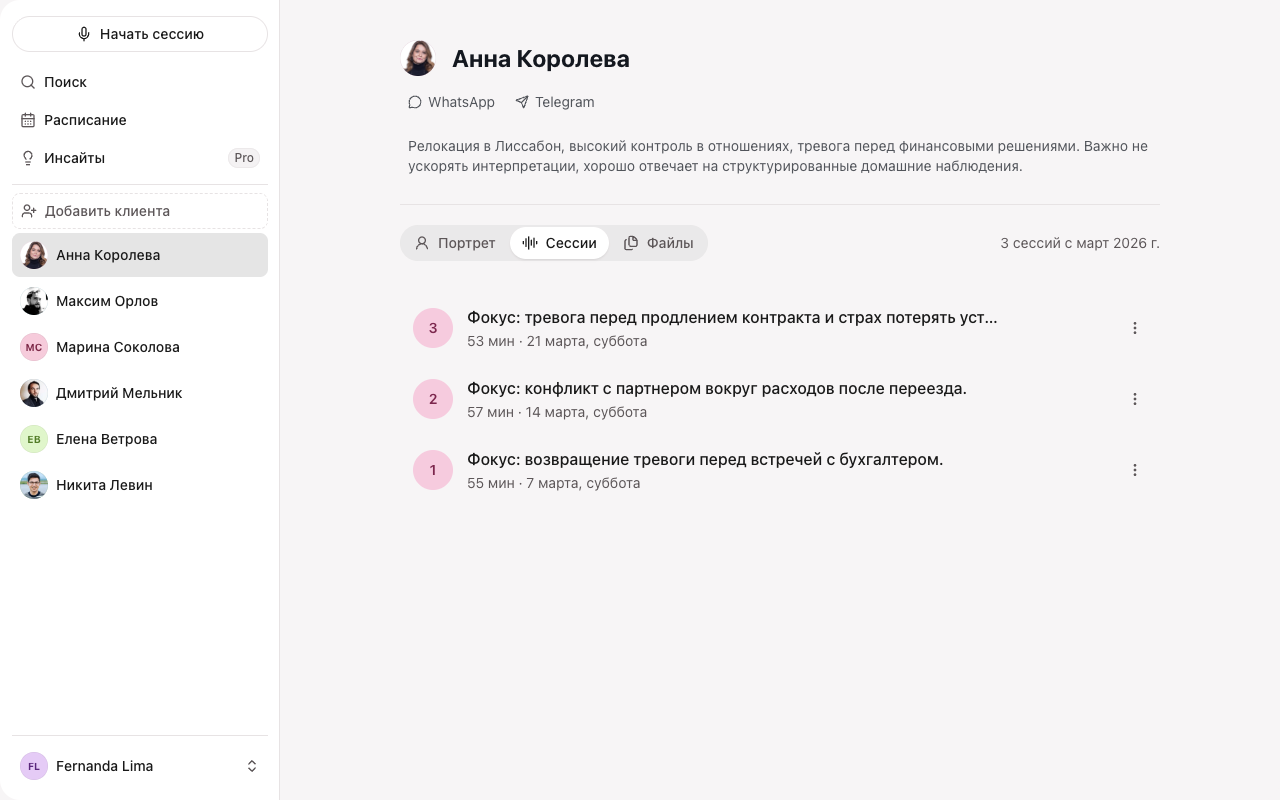
After recording or upload, Sessio uploads the audio, prepares the transcript, and assembles the session materials in turn. The status is visible in the client’s session list.
Where to find it
The processing status is shown next to the session in the client’s session list and on the session page itself.
How to do it
Processing goes through several stages:
- Uploading audio — the recording is being sent from your Mac.
- Preparing transcript / Transcribing — the audio has been received and is being transcribed.
- Preparing draft / Analyzing — Sessio assembles the session materials.
- Ready — the summary, transcript, and note are available.
What you’ll see
When processing finishes, the transcript, summary, and note open. The note draft is saved automatically as soon as it is ready. Manual notes remain available even if transcription fails.
If it didn’t work
On failure, the status changes to Processing error, Upload error, or Not processed, and a Retry or Process again action appears.
See Upload and processing issues for more.