Upload an existing recording
Create a session from an existing audio file.
You can upload an existing recording to Sessio without microphone or Screen Recording access. MP3, M4A, and WAV audio files are supported.
Where to find it
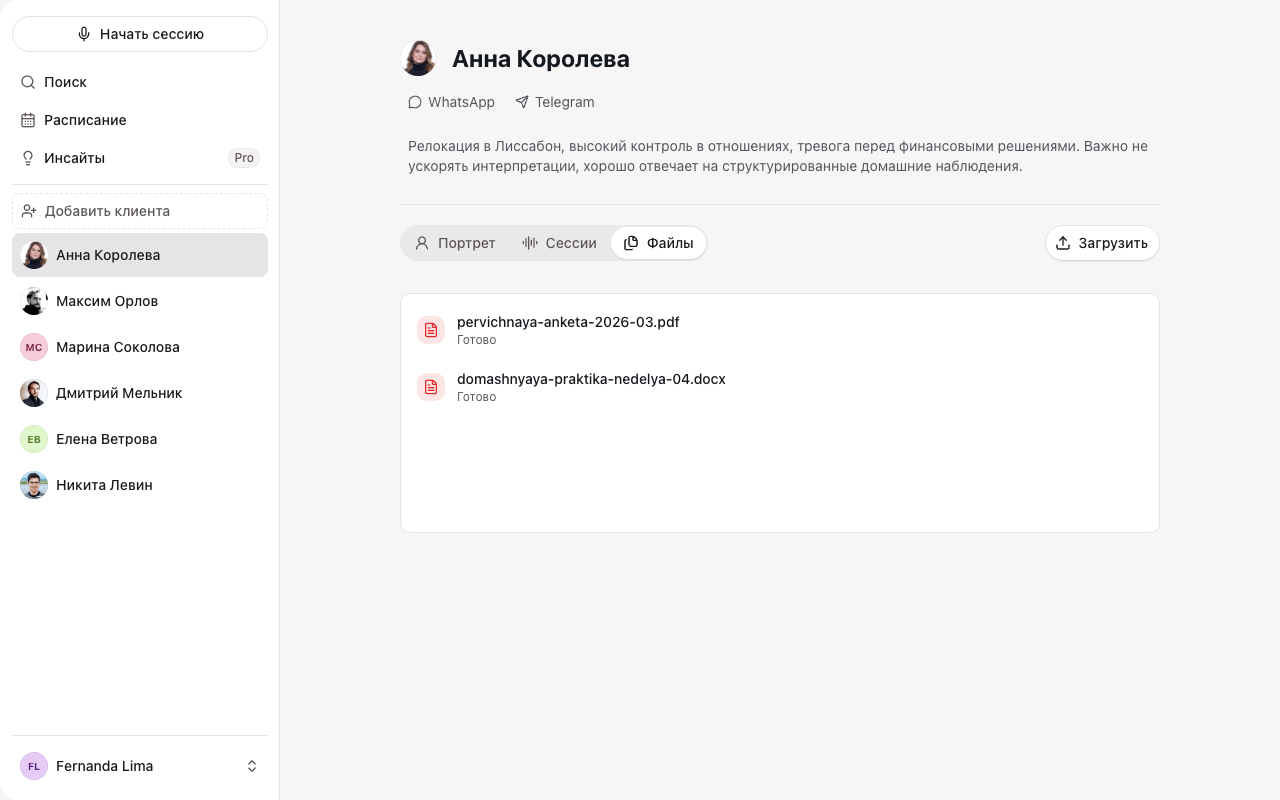
There are two ways to upload a recording: drag audio onto the client’s Files tab, or start the upload from the Start session screen.
How to do it
- Open a client and go to the Files tab.
- Drag an audio file in or select Upload.
- Select Create session.
- Set the meeting date. The date cannot be in the future.
What you’ll see
A new session with the chosen date appears in the client’s history. Sessio prepares the transcript, summary, and note draft. The upload runs in the background — you can keep working.
If it didn’t work
If a format is not supported, use MP3, M4A, or WAV. If the upload was interrupted, select Retry. See Upload and processing issues for more.